Room8

Living together,
made easy.

Now in beta on TestFlight.
Split bills, settle up and stay on the same page.

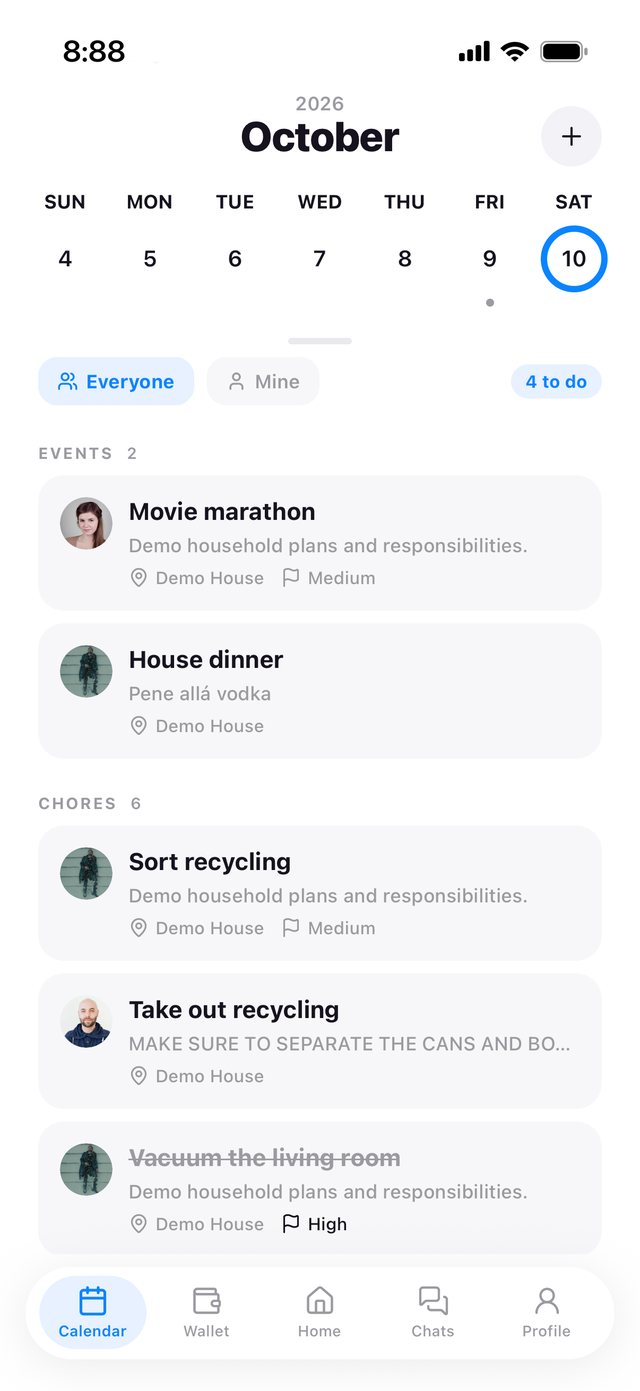
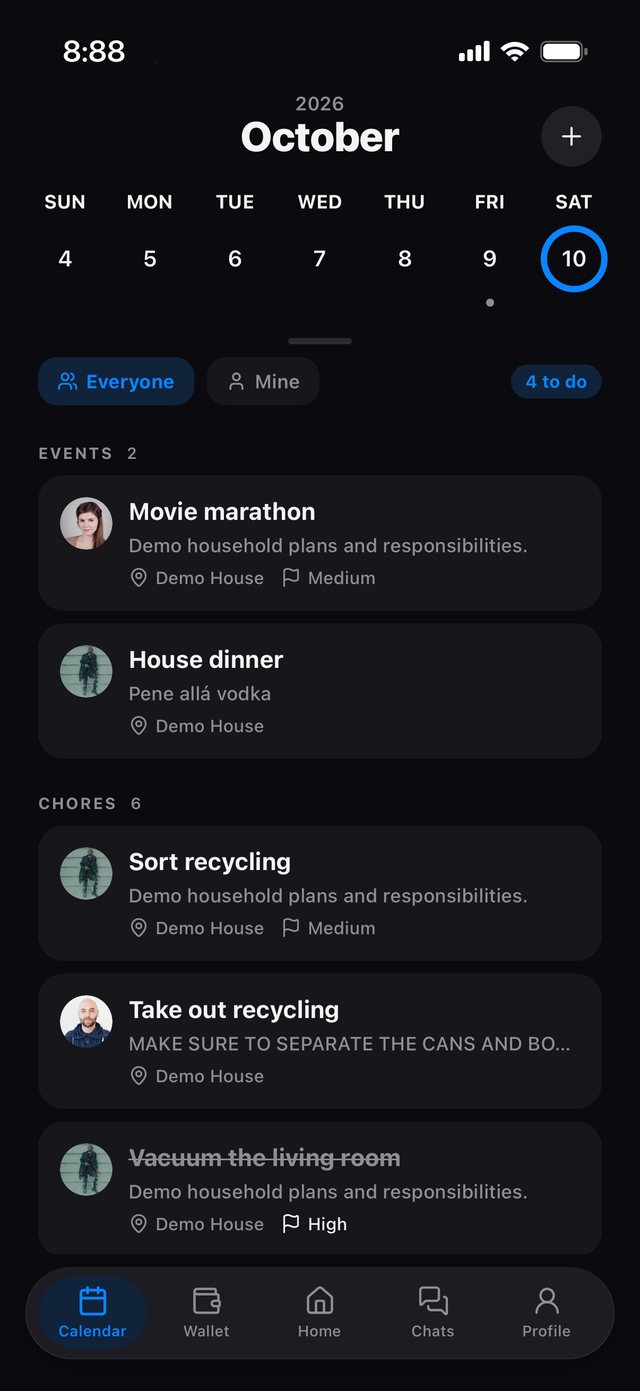
Room8 Calendar week view with a movie marathon, house dinner and chores
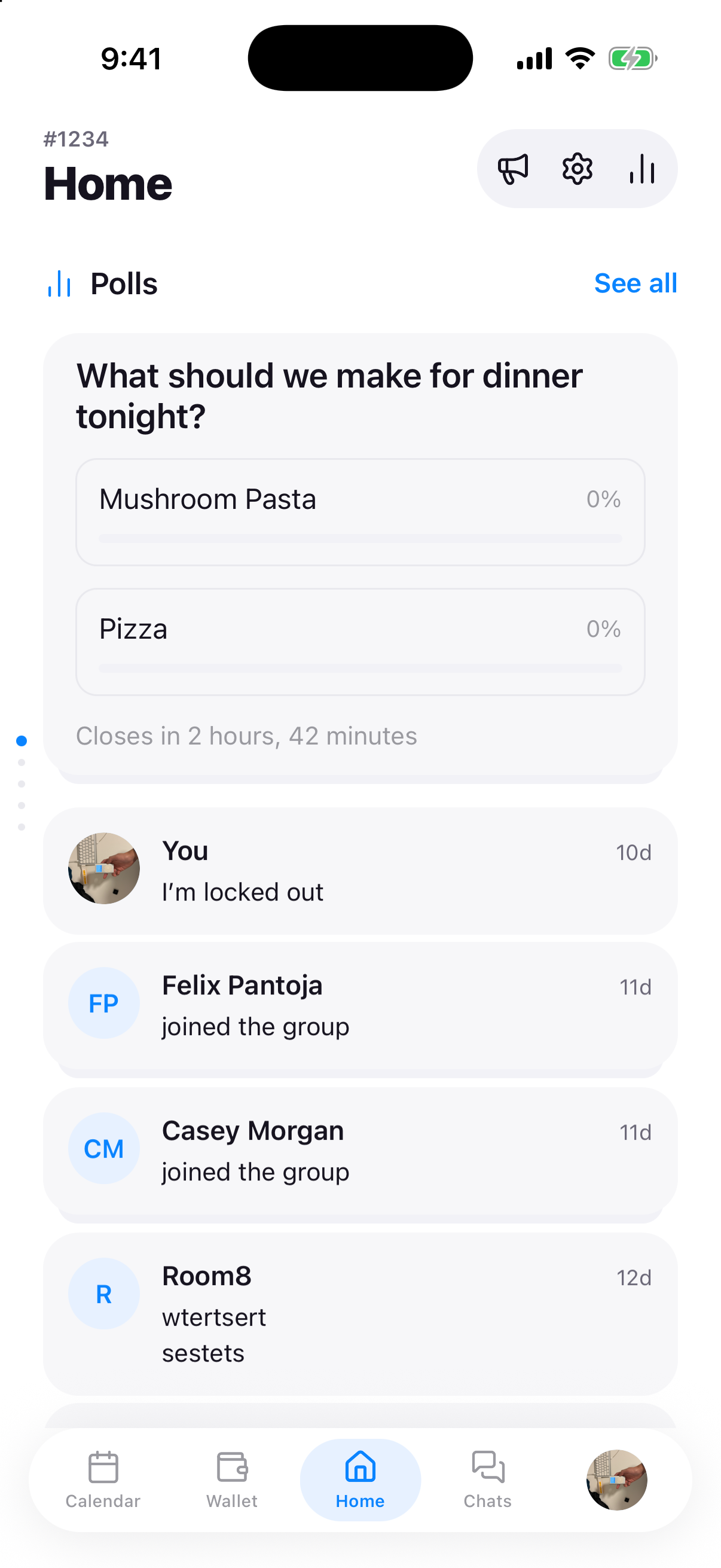
Room8 Home with a household dinner poll and stacked activity updates
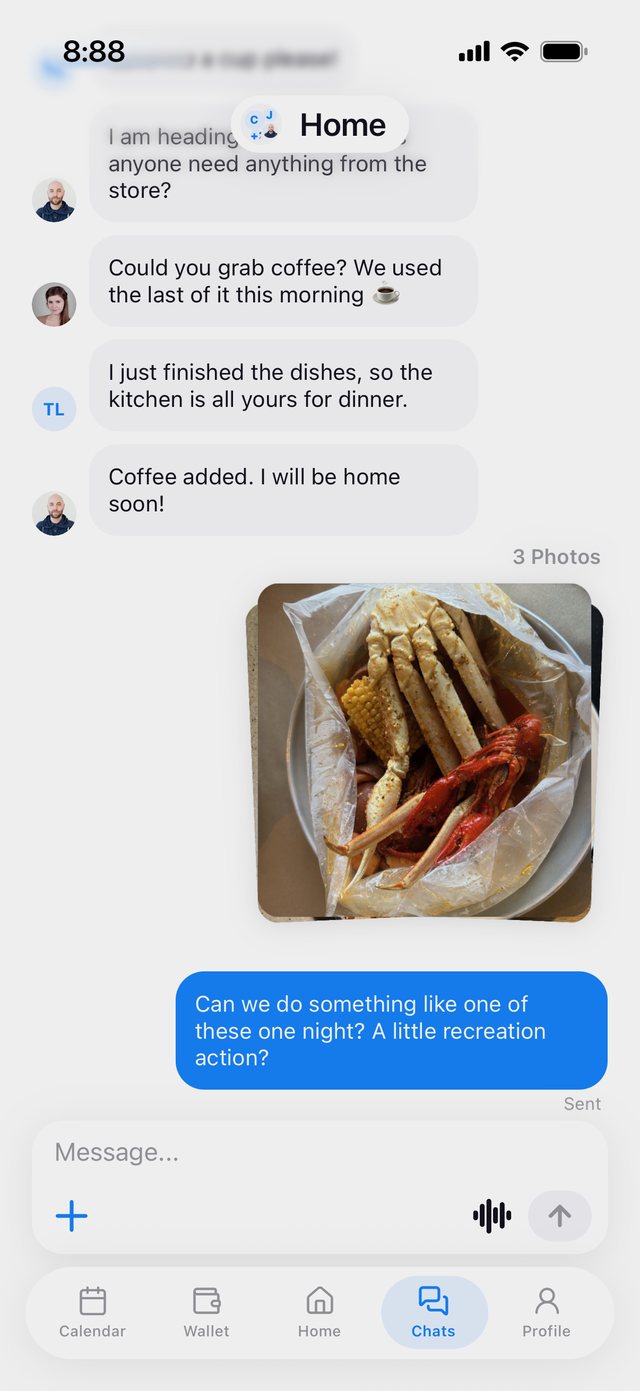
Room8 household chat with a shared photo

Now in beta on TestFlight.

Make a household, share one link, and everyone's in.

Join the beta

Get the highlights.

See who owes who.
At a glance.
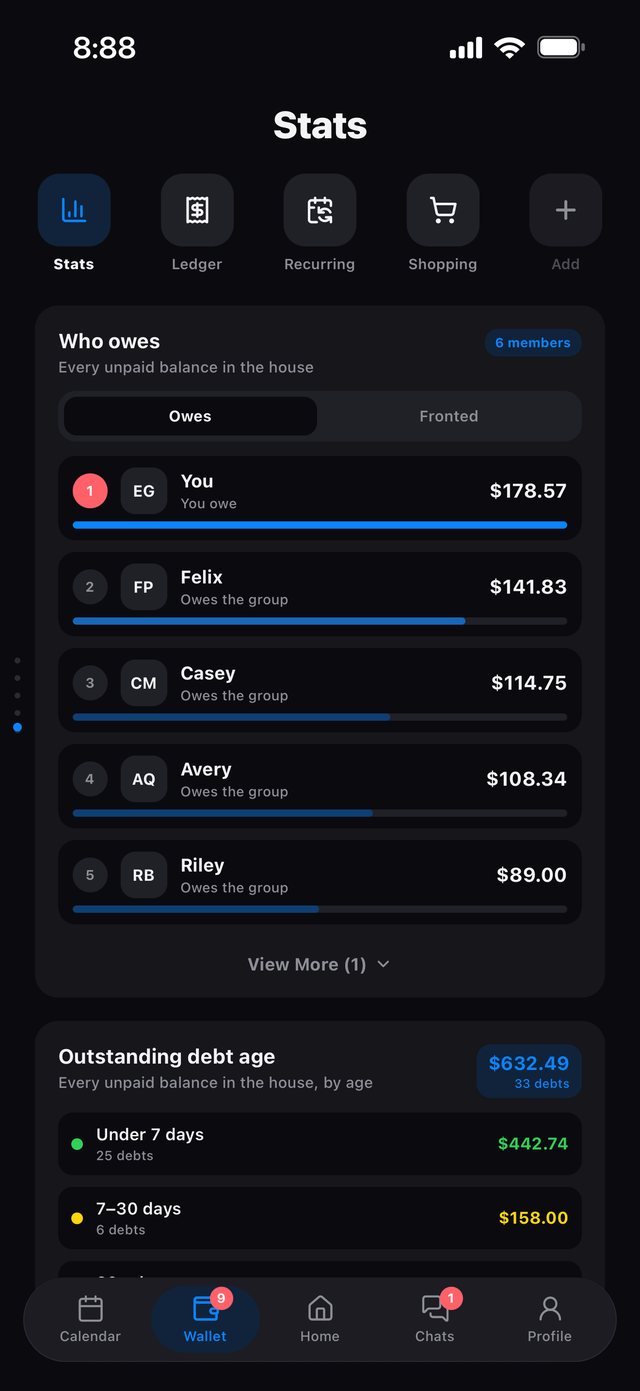
Who owes list in dark mode

Household polls.
Updates. All in Home.

Home with household polls and activity updates

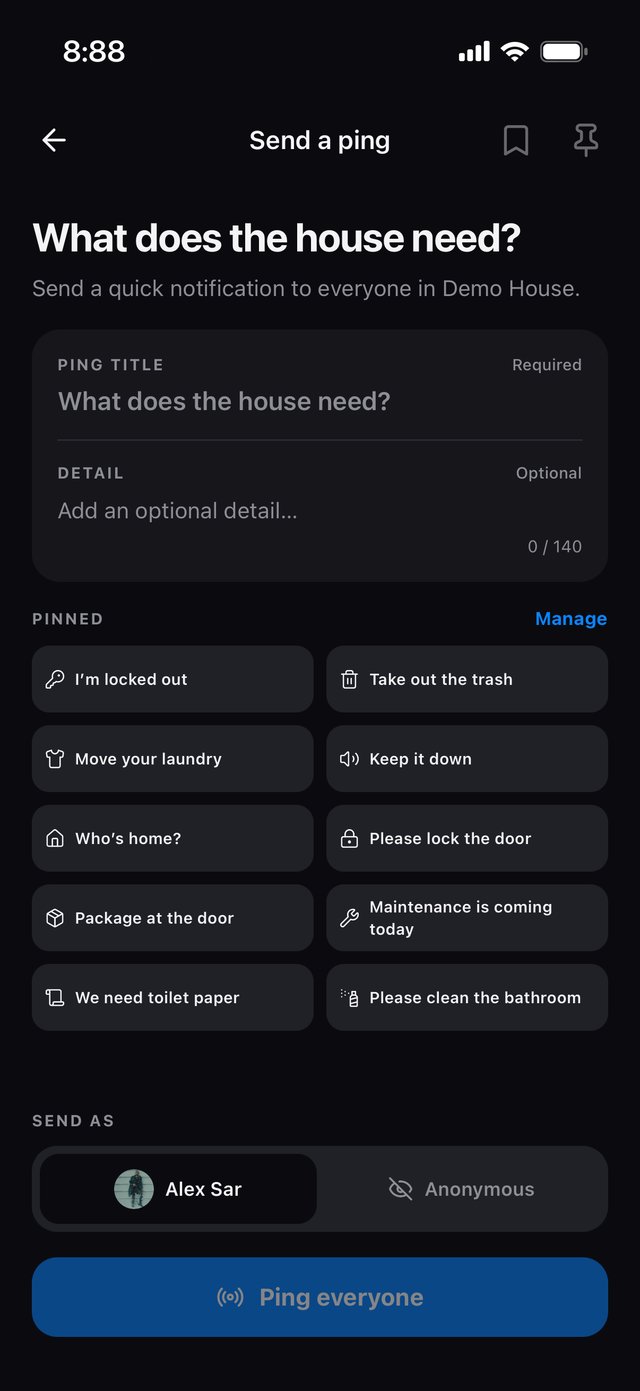
Need something?
Ping the house.

Send a ping screen with pinned quick pings

The week, on
one calendar.

Calendar week view in dark mode

One shopping list
for the whole house.

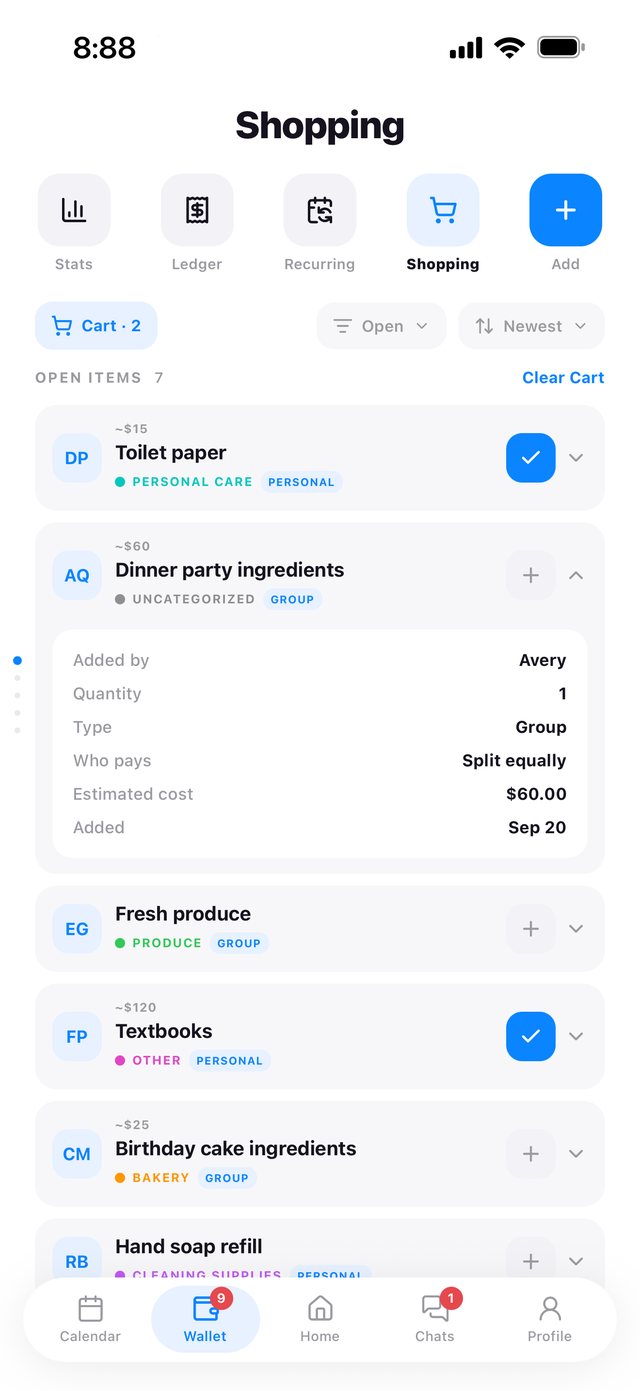
Shared shopping list

Photos and plans,
in one chat.

Household chat with a shared photo

Spending that
finally makes sense.

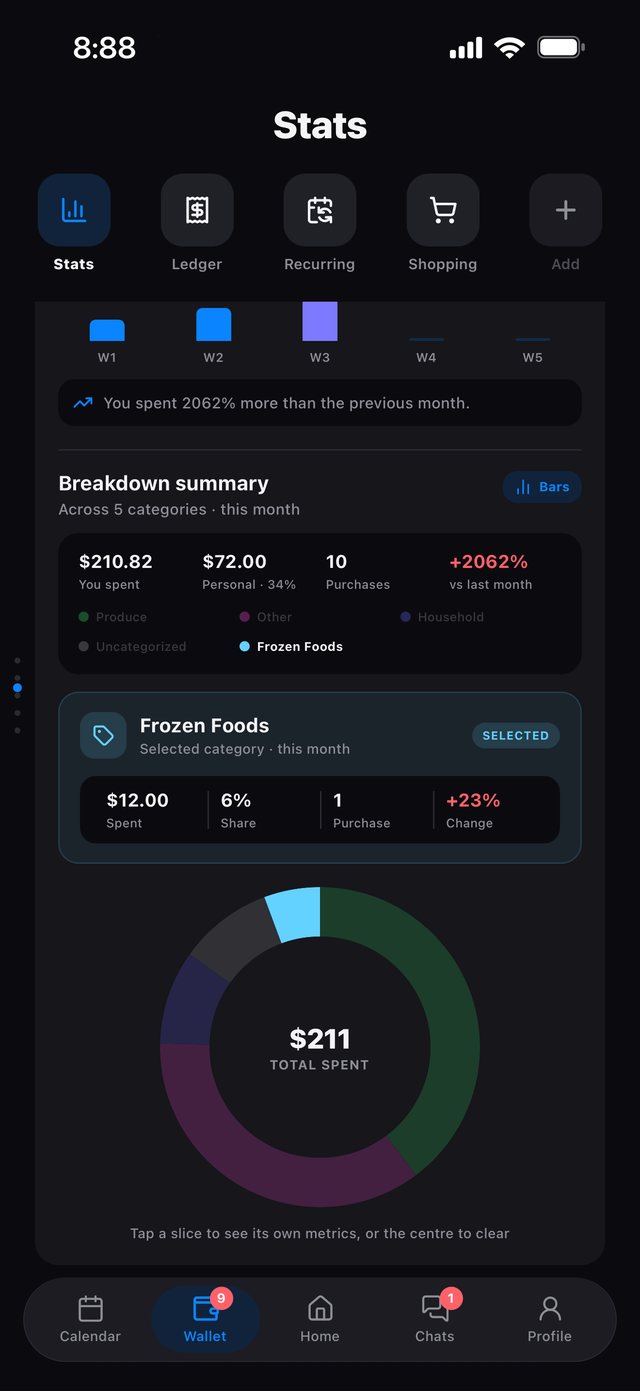
Spending breakdown donut chart in dark mode

Know who you're
living with.

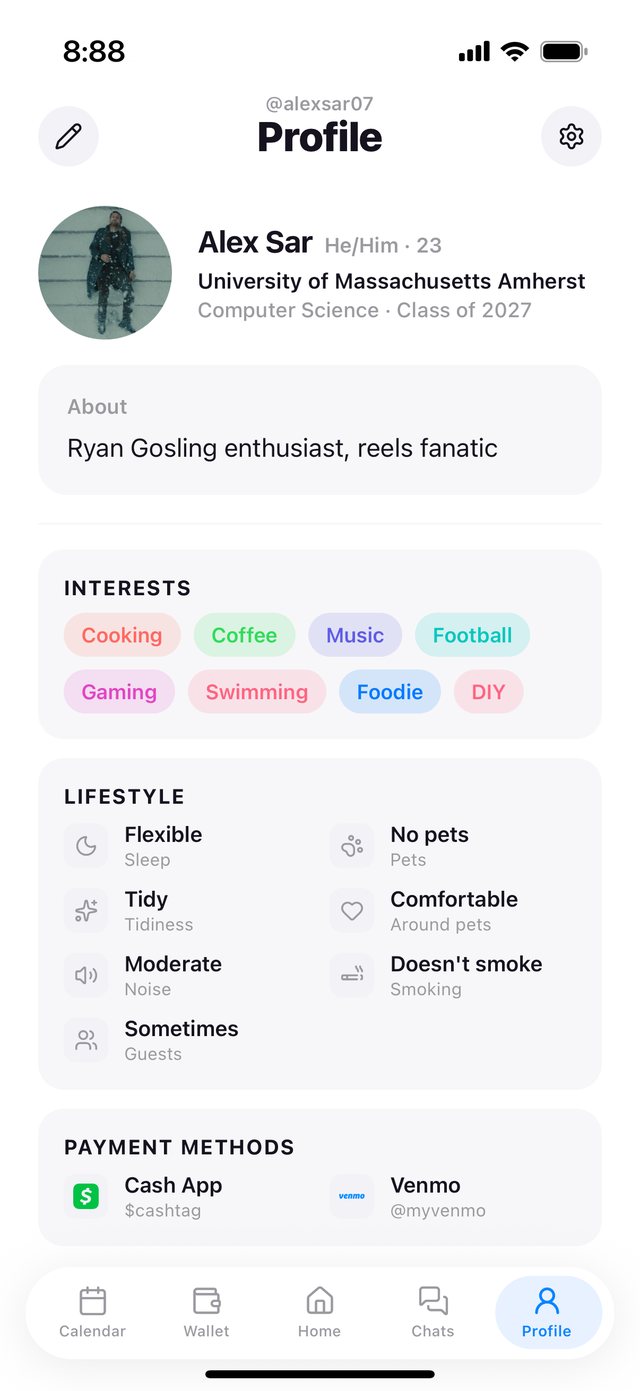
Roommate profile with interests, lifestyle and payment methods

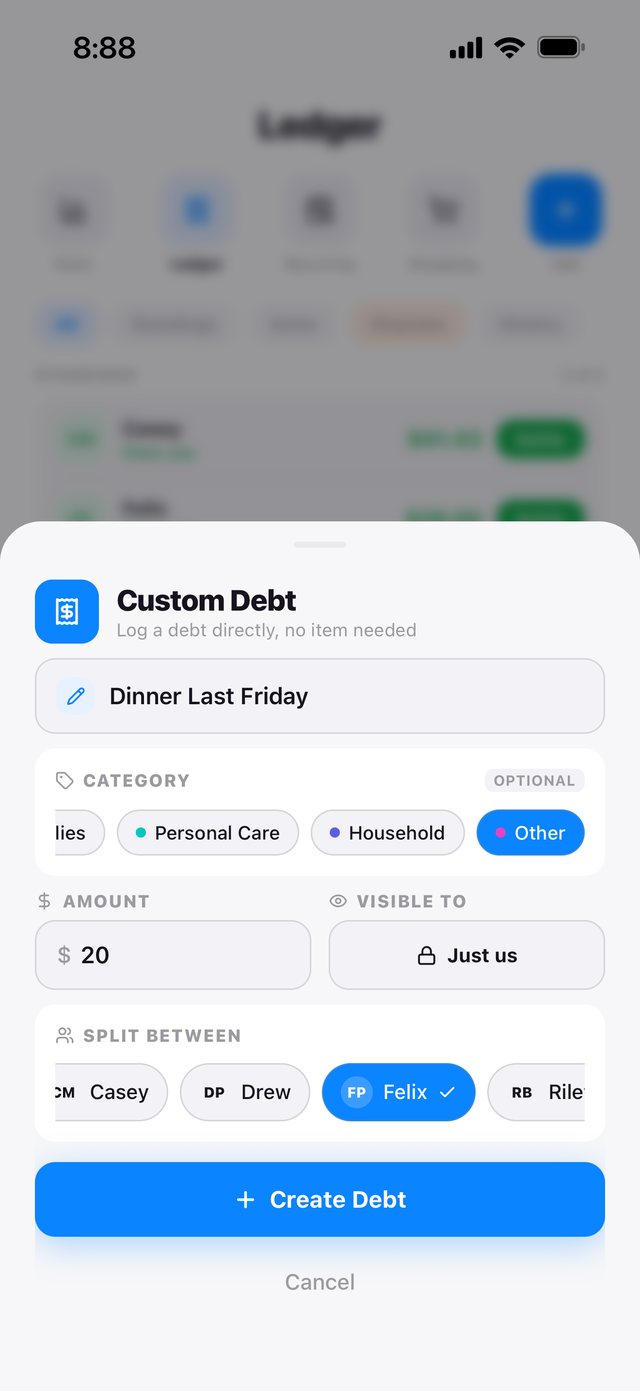
Log a debt
in seconds.

Custom debt sheet

Privacy, built in.

Clear choices about what you share. Protection for what matters.

Your location stays yours.

Your precise location is processed on your phone. Opt in to share only Home, Away or Unknown with your household. Sharing starts off, and you can switch it off anytime.

Analytics you control.

Usage analytics are on by default and can be switched off in Settings. Names, messages, addresses, photos and financial content stay out of analytics events.

Built on audited infrastructure.

Room8 uses Supabase for authentication and database hosting. Supabase is SOC 2 Type II compliant and ISO 27001 certified.

About Supabase security

Your information isn’t for sale.

Room8 does not sell your personal information or use it for advertising.

Your household starts here.

Bring the people, plans and everyday expenses of home into one place.

  1. Get Room8 on your iPhone.

    Room8 is in beta. Install it through Apple’s TestFlight app, then create your Room8 account.

    • Install TestFlight if you haven’t already.
    • Open the beta invitation and install Room8.
    • Sign up and verify your email.
    Open the beta invitation
  2. Find your people.

    Start a household for your place, or join the one your roommates already use.

    • Creating one? Give your household a name.
    • Joining one? Open your roommate’s invitation.
    • Add the profile details you want to share.

    One shared household keeps everyone on the same page.

  3. Make it feel like home.

    Share your household invitation, then start with something your house needs today.

    • Post a poll to decide what’s for dinner.
    • Add a shared plan or chore to the calendar.
    • Record an expense or say hello in the chat.

    Start small. The rest comes together as you go.

For iPhone · Available through TestFlight during beta · Internet connection required

Settle in.

Now in beta on TestFlight.